Guides
How to get your music on TikTok
You can't add a song to TikTok's sounds yourself. LUCY sends it for you, with Spotify and 470+ apps.
In short
- 1Upload your song to LUCY once.
- 2It lands in TikTok's sounds, ready for any video.
- 3You get paid when videos use it.
1. Get your song and cover ready
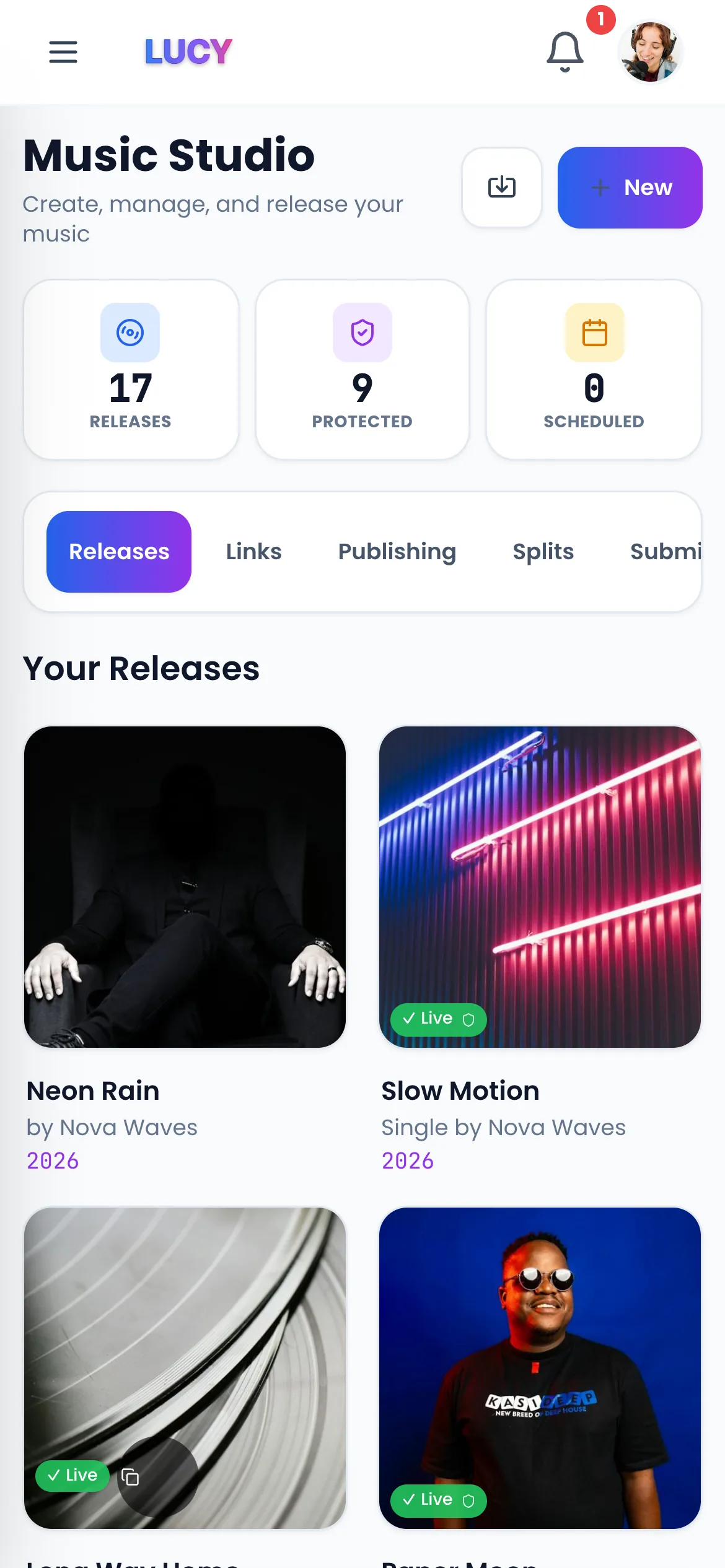
A WAV file of the song and a square cover, 3000 × 3000 pixels.
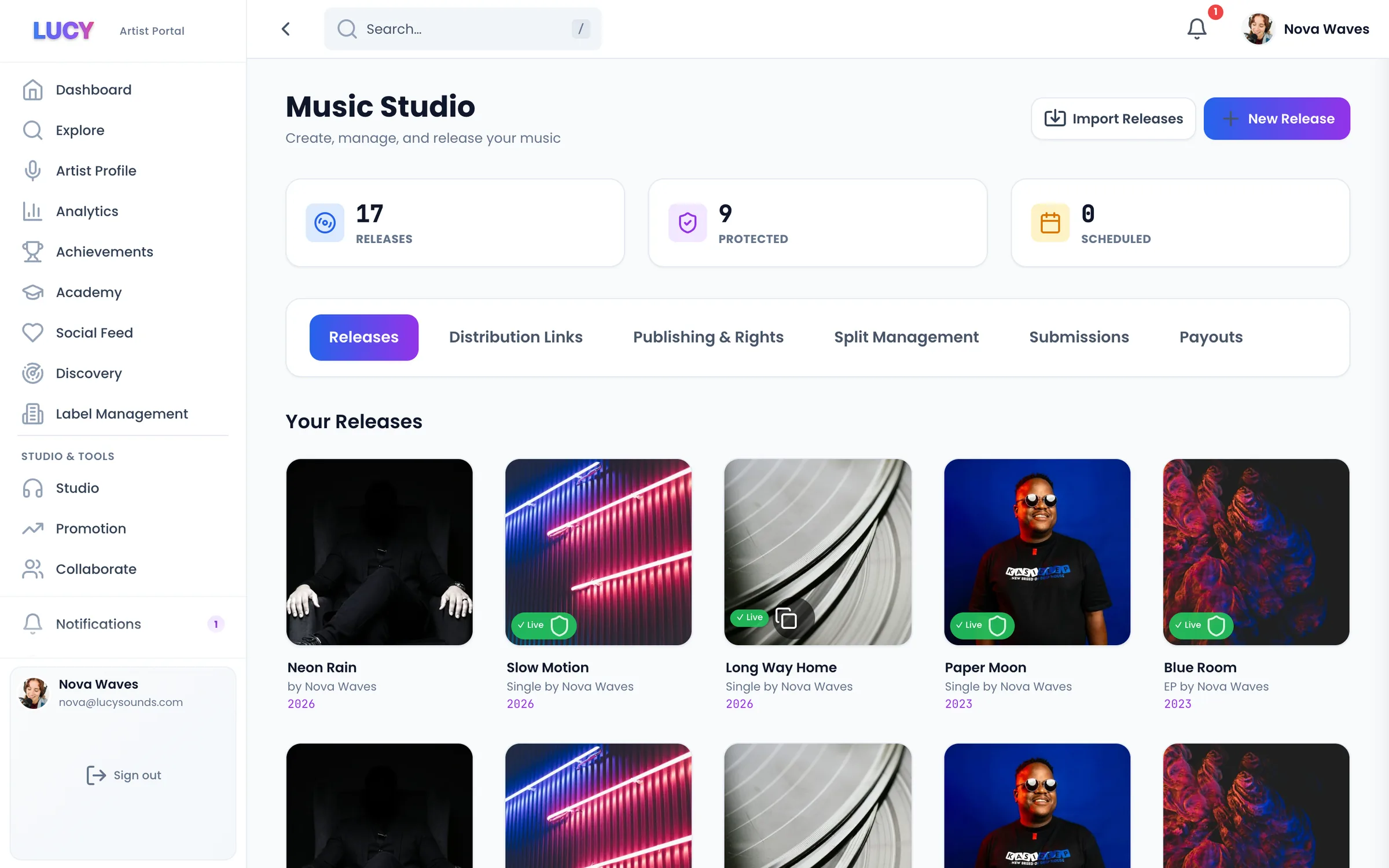
2. Upload it to LUCY
One upload goes to TikTok, Spotify, Apple Music, Instagram and 470+ other apps. You don't need a separate TikTok release.
3. Pick a release day
Choose a day 3 to 4 weeks away. It gives you time to make videos before the song is out.
4. Find it in TikTok's sounds
After release day, search your song title in TikTok's sounds. It can take a few days to show up.
5. Make the first video yourself
Use the part of the song you want people to remember. Most people hear the song for the first time from your own video.
6. Get paid
TikTok pays when videos use your song. The amount per video is small and changes, so it adds up with views. On Pro, all of it goes to you.
What it costs
You can release free once a month and keep 70% of the money. Go Pro for £8 a month to release as much as you like and keep 100%.
Questions? Easy answers.
Can I upload my song straight to TikTok?+
Not as a sound anyone can use. TikTok takes songs from distributors like LUCY.
How long until my song is on TikTok?+
Usually a few days after release day. It goes out at the same time as Spotify and Apple Music.
Does TikTok pay artists?+
Yes. TikTok pays when videos use your song. How much depends on how many videos use it and how many people watch them.
Is TikTok included on the Free plan?+
Yes. Every plan sends your music to TikTok and 470+ other apps. On Free you keep 70%; on Pro, for £8 a month, you keep 100%.
Related pages
Your next step
Get heard. Get paid. Stay independent.
Put your music on 470+ stores and apps. Release free and keep 70%, or go Pro and keep 100%.