Guides
How to put your music on Spotify
You can't upload to Spotify yourself. LUCY does it for you. Six easy steps.
In short
- 1Upload your song to LUCY once.
- 2We put it on Spotify and 470+ apps.
- 3Keep up to 100% of the money.
1. Finish your song
Save it as a WAV file. That's the high-quality file your music software exports.
2. Make a cover
A square picture, 3000 × 3000 pixels. No website links or social handles on it.
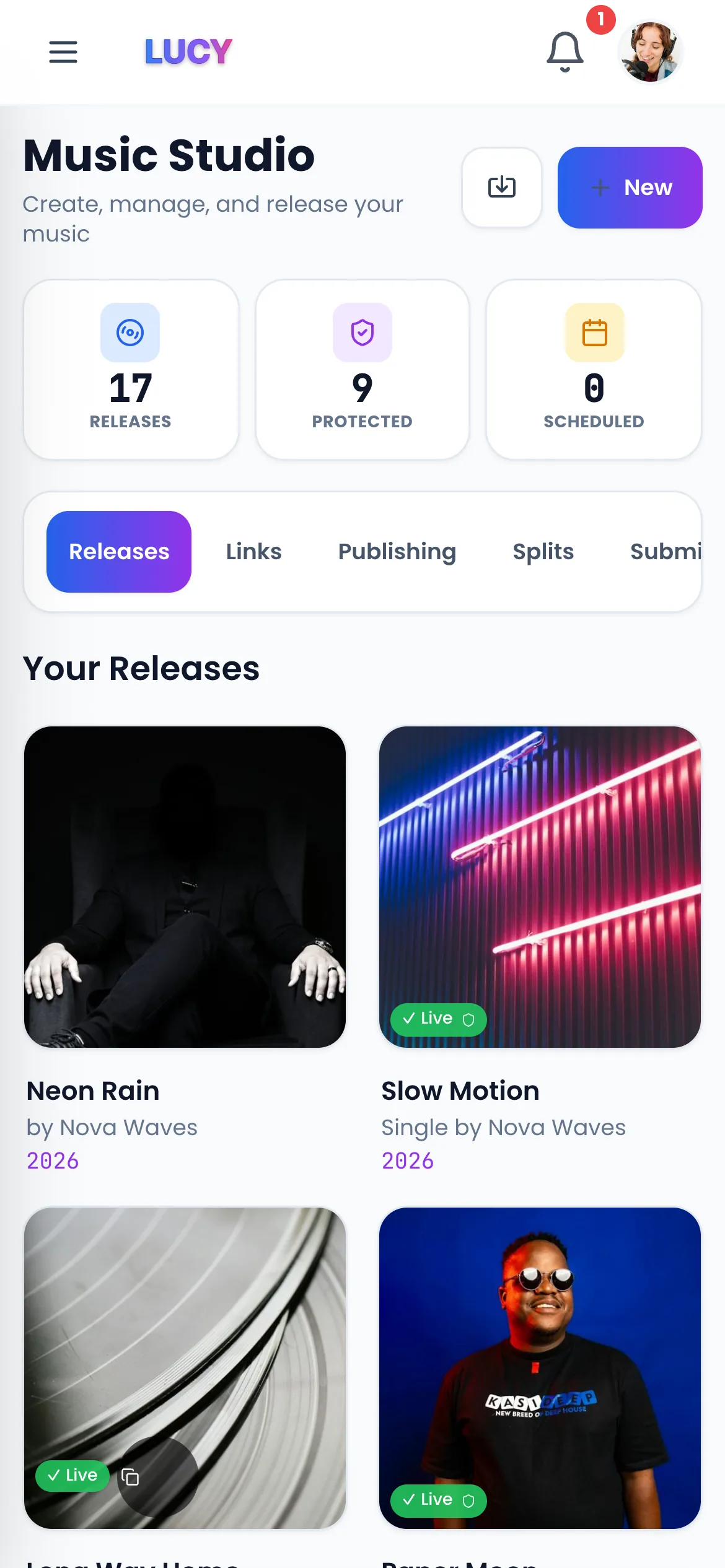
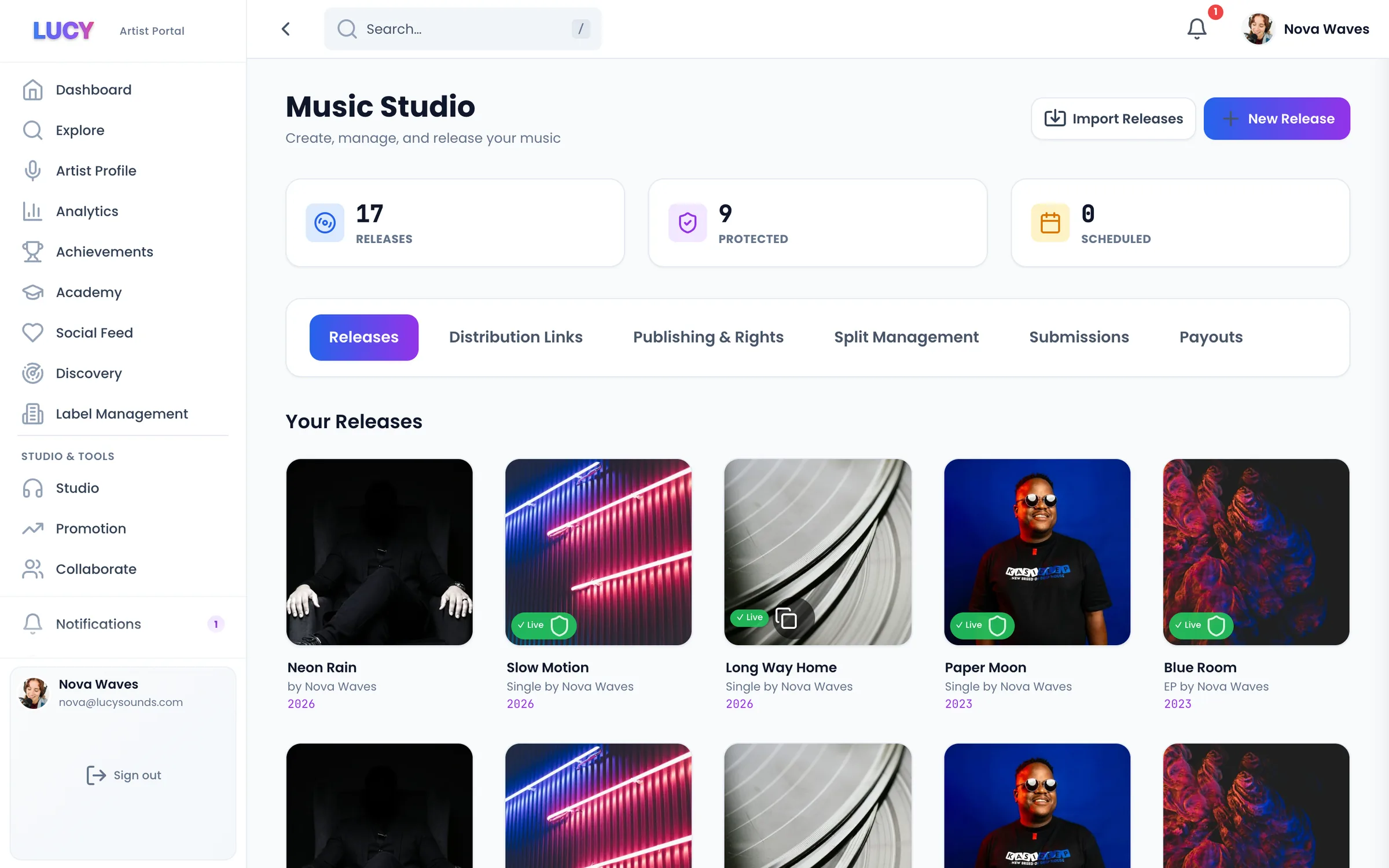
3. Upload it to LUCY
Add the song, the cover and your artist name. Spell your name the same way every time.
4. Pick a release day
Choose a day 3 to 4 weeks away. That gives you time to tell fans and pitch to Spotify's playlists.
5. Press send
LUCY sends your song to Spotify and 470+ other apps. Most songs go live 1 to 2 days after approval.
6. Get paid
Every play earns money. 10,000 Spotify plays pays about $44. On Pro, all of it goes to you.
- Tip: claim your free Spotify for Artists page to add a photo and see who listens.
What it costs
You can release free once a month and keep 70% of the money. Go Pro for £8 a month to release as much as you like and keep 100%.
Questions? Easy answers.
Can I put music on Spotify for free?+
Spotify doesn't charge you. You need a distributor, like LUCY, to send the song. On LUCY you can release free once a month and keep 70%, or go Pro for £8 a month and keep 100%.
How long does it take?+
Usually 1 to 2 days after approval. Pick a day 3 to 4 weeks away if you want to pitch to Spotify's playlists first.
Do I need a record label?+
No. You can release on your own and keep all your rights.
How much will I earn?+
About $4.40 for every 1,000 Spotify plays. 10,000 plays is about $44. Try the royalty calculator with your own numbers.
Will it be on Apple Music and TikTok too?+
Yes. One upload goes to Spotify, Apple Music, TikTok, Instagram, YouTube Music, Amazon Music and 470+ apps in total.
Related pages
Your next step
Get heard. Get paid. Stay independent.
Put your music on 470+ stores and apps. Release free and keep 70%, or go Pro and keep 100%.