Guides
How to get your music on Instagram
Put your song in Instagram's music, so you and your fans can add it to Reels and Stories.
In short
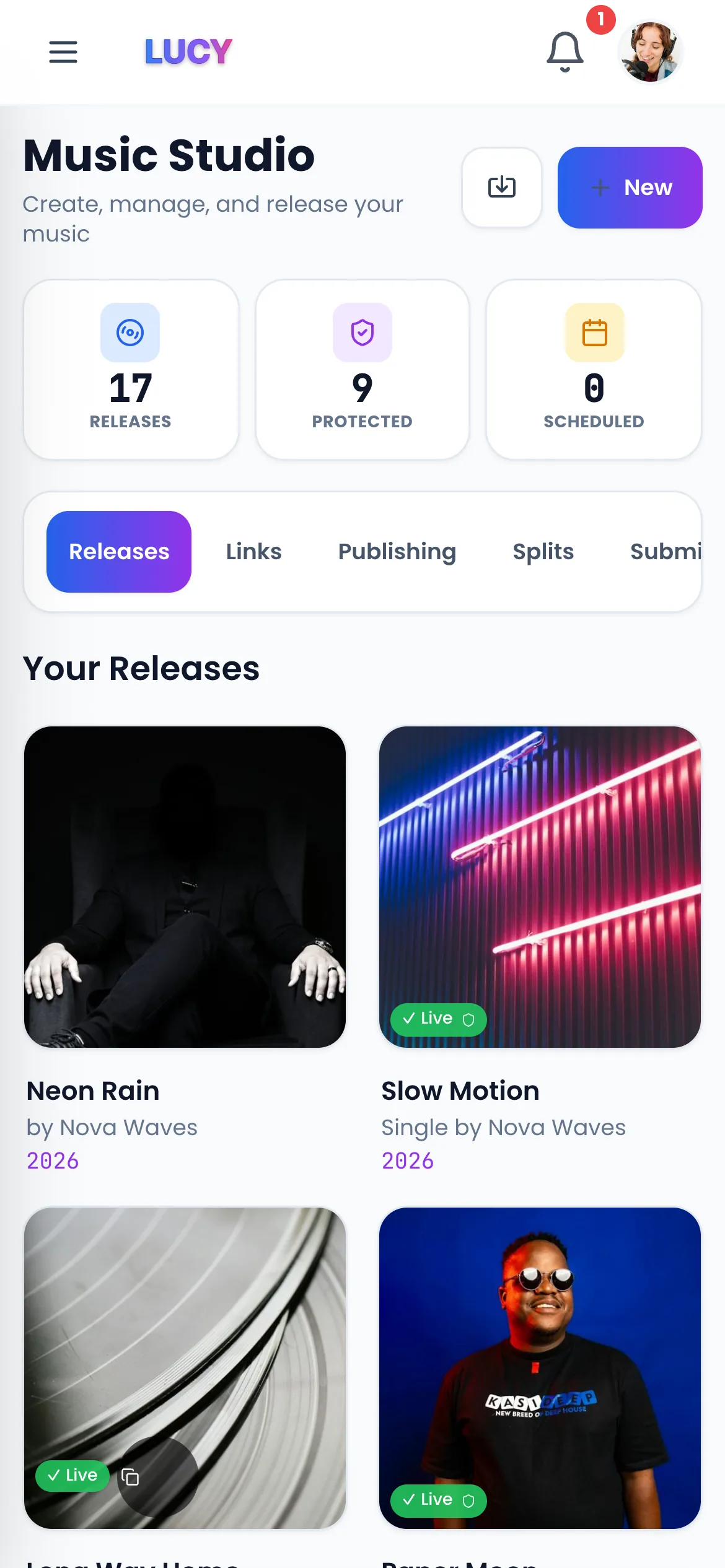
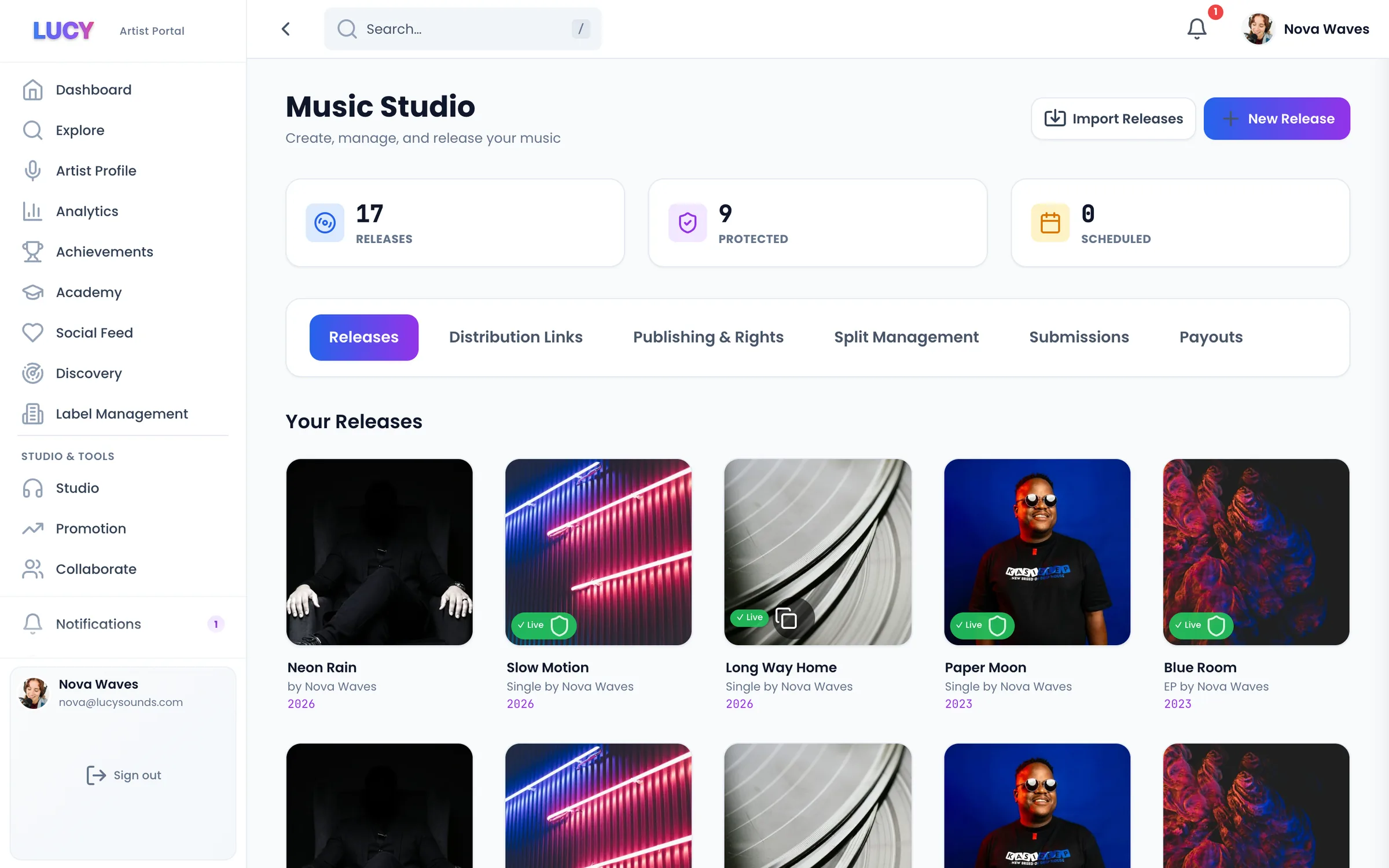
- 1Upload your song to LUCY once.
- 2It goes to Instagram and Facebook music.
- 3Fans can put it in their Reels and Stories.
1. Upload your song to LUCY
The same upload goes to Instagram, Facebook, Spotify, TikTok and 470+ other apps.
2. Wait for release day
Your song reaches Instagram's music after it's released. It can take a few days to appear.
3. Find it in the app
Make a Reel or a Story, tap the music button and search your song title.
4. Use a personal or creator account
Business accounts only get a small music library, so your song may not show for them. Personal and creator accounts see it.
5. Post it first
Use your song in your own Reels. Fans who like it tap the song and can use it too.
6. Get paid
Meta pays when people use your song on Instagram and Facebook. On Pro, all of it goes to you.
What it costs
You can release free once a month and keep 70% of the money. Go Pro for £8 a month to release as much as you like and keep 100%.
Questions? Easy answers.
Why can't I find my song on Instagram?+
It can take a few days after release. Business accounts also get a smaller music library, so switch to a creator account to check.
Is it on Facebook too?+
Yes. Instagram and Facebook share the same music, so your song reaches both.
Do I get paid when people use my song?+
Yes. Meta pays for songs used in Reels and Stories. See the Meta Music Program page for how it works.
What does it cost?+
Instagram is included on every plan. Release free once a month and keep 70%, or go Pro for £8 a month and keep 100%.
Related pages
Your next step
Get heard. Get paid. Stay independent.
Put your music on 470+ stores and apps. Release free and keep 70%, or go Pro and keep 100%.