Compare

LUCY vs Amuse: plans, royalties and switching your music

The LUCY Studio: your releases, codes and payouts

The short answer

LUCY may suit you if you want to release without paying first, pay month to month, and post to every social app with LUCY AI on Pro.

  • Amuse may suit you if you release a lot, are happy to pay yearly in dollars, and want two or three artists on one plan.

LUCY and Amuse side by side

From each company's own website, checked on 5 October 2026. Prices change, so check before you sign up.

WhatLUCYAmuse
Cheapest way to start£0 a month (Free)$23.99 a year (Artist)
BillingMonthly, in British pounds (GBP). No contract.Yearly, in US dollars. Artist Plus is $39.99 and Professional $59.99 a year.
ReleasesFree: 1 a month. Pro and Label: unlimited.Unlimited on every plan.
Royalties you keepFree: you keep 70%. Pro and Label: you keep 100%.100%, except YouTube Content ID on the Artist plan (15% fee).
ArtistsFree and Pro: one artist. Label: many artists in one account.Artist: 1. Artist Plus: 2. Professional: 3 or more.
If you stop payingIf you stop paying for Pro, your music stays live on Free and you keep 70%.Music stays live when you downgrade or cancel.
Promotion toolsSmart links, pre-saves and a fan email list on every plan. Pro adds social posting with LUCY AI drafts, a content calendar and campaign stats.Pre-saves and smart links. Fan email collection on Artist Plus and up.
Rights and extra incomePro and Label: royalty splits, YouTube Content ID and 10 more delivery services.YouTube Content ID and royalty splits.

What it costs you

LUCY prices are in pounds and Amuse's in dollars, as each shows them. We don't convert them.

One release this year

LUCY: Free: £0. You keep 70%.

Amuse: Artist: $23.99 for the year. You keep 100%. Music stays live if you cancel.

A release every month

LUCY: Free covers one release a month for £0 (you keep 70%). Pro is £8 a month, £96 for a year, and you keep 100%.

Amuse: Artist: $23.99 a year for unlimited releases. You keep 100%, except YouTube Content ID (15%).

Moving your music from Amuse to LUCY

  1. 1In the Amuse app, open each release. Each track's ISRC is shown on the track once the release is approved. Copy it with the exact titles and artist names.
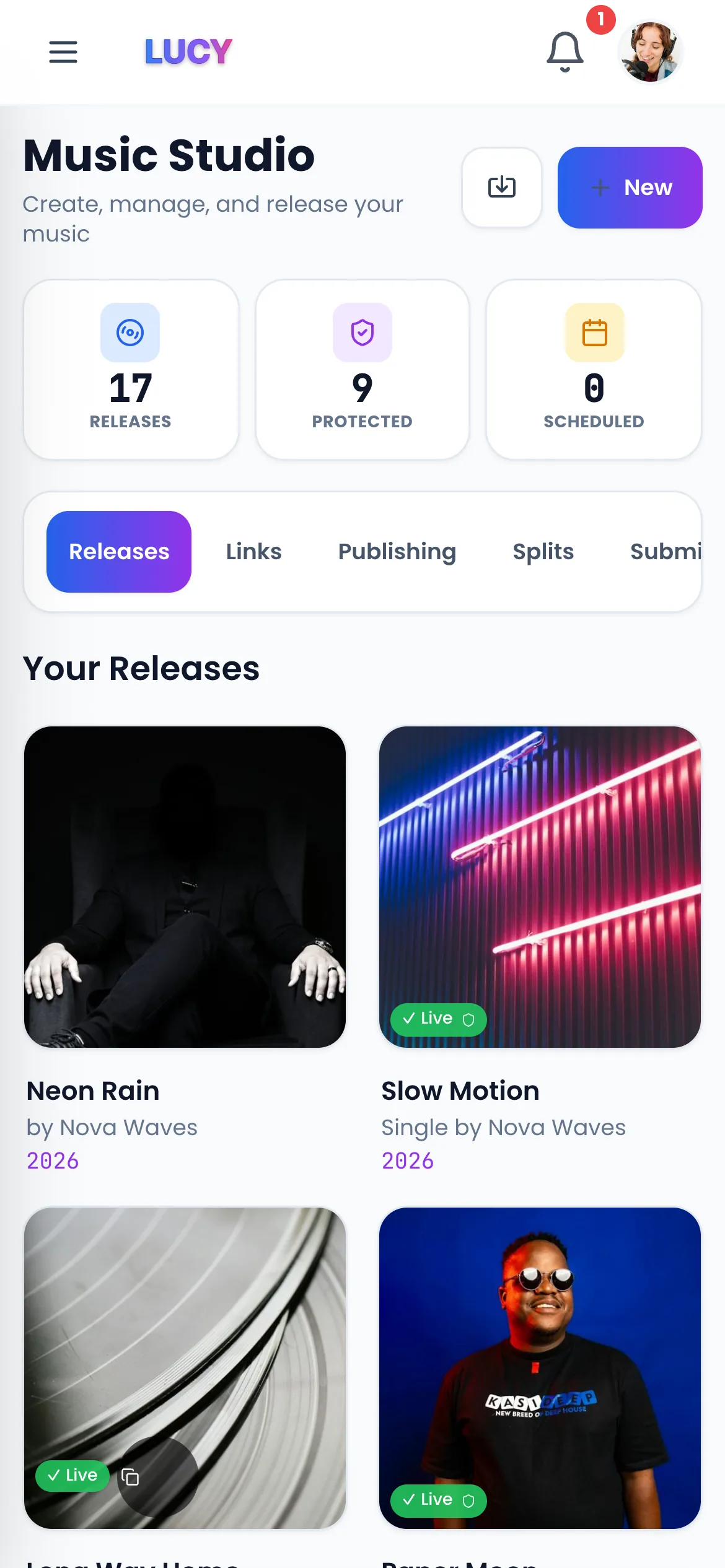
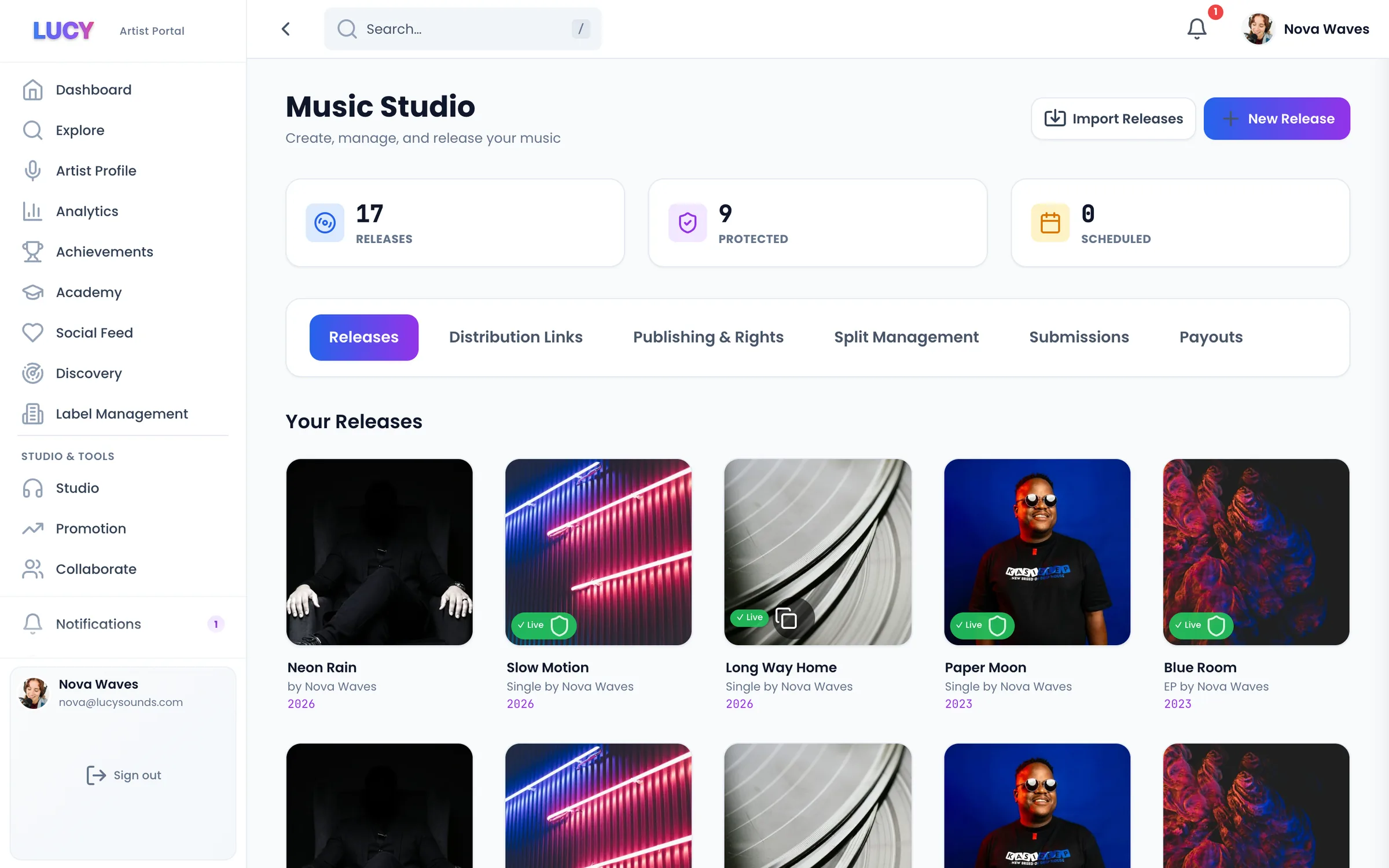
  2. 2In LUCY, open Studio and choose Import Releases. Search for the release and import it as a draft: LUCY fills in the title, the ISRC for each track and the UPC. Check every field against your old account.
  3. 3Use the same audio files you sent to Amuse. Amuse's own help says to reuse an ISRC only for the same audio and metadata.
  4. 4Send the release on LUCY and wait until it is live in the main stores.
  5. 5Then take it down in Amuse: My Music, select the release, Take down release. On the web you can also take it down from some stores only.
  6. 6Don't skip this step. Amuse keeps music live when you cancel, so the old version stays in stores until you take it down.

Stores try to keep your plays and playlist places when the ISRCs, titles, artist names and audio match exactly. Nobody can guarantee it, because the stores decide.

How LUCY moves a catalogue

Sources (checked 5 October 2026)

Questions? Easy answers.

If Amuse keeps my music live after I cancel, why take it down?+

Because the same release live from two distributors can confuse stores and split your plays. Take the Amuse version down once the LUCY version is live.

Does LUCY keep my music live if I stop paying?+

Yes. Stop Pro and your music stays live on Free, where you keep 70%.

Can I put two artists on LUCY?+

Free and Pro are for one artist. The Label plan, £77 a month, holds many artists in one account.

Can I keep my Amuse ISRCs?+

Yes, for the same recording. LUCY's Import Releases fills them in; check them against the Amuse app before you send.

Related pages

Your next step

Get heard. Get paid. Stay independent.

The short answer

LUCY may suit you if you want to release without paying first, pay month to month, and post to every social app with LUCY AI on Pro.

Amuse may suit you if you release a lot, are happy to pay yearly in dollars, and want two or three artists on one plan.

LUCY and Amuse side by side (checked 5 October 2026)

Cheapest way to start: LUCY: £0 a month (Free) Amuse: $23.99 a year (Artist) Billing: LUCY: Monthly, in British pounds (GBP). No contract. Amuse: Yearly, in US dollars. Artist Plus is $39.99 and Professional $59.99 a year. Releases: LUCY: Free: 1 a month. Pro and Label: unlimited. Amuse: Unlimited on every plan. Royalties you keep: LUCY: Free: you keep 70%. Pro and Label: you keep 100%. Amuse: 100%, except YouTube Content ID on the Artist plan (15% fee). Artists: LUCY: Free and Pro: one artist. Label: many artists in one account. Amuse: Artist: 1. Artist Plus: 2. Professional: 3 or more. If you stop paying: LUCY: If you stop paying for Pro, your music stays live on Free and you keep 70%. Amuse: Music stays live when you downgrade or cancel. Promotion tools: LUCY: Smart links, pre-saves and a fan email list on every plan. Pro adds social posting with LUCY AI drafts, a content calendar and campaign stats. Amuse: Pre-saves and smart links. Fan email collection on Artist Plus and up. Rights and extra income: LUCY: Pro and Label: royalty splits, YouTube Content ID and 10 more delivery services. Amuse: YouTube Content ID and royalty splits.

What it costs you

LUCY prices are in pounds and Amuse's in dollars, as each shows them. We don't convert them. One release this year. LUCY: Free: £0. You keep 70%. Amuse: Artist: $23.99 for the year. You keep 100%. Music stays live if you cancel. A release every month. LUCY: Free covers one release a month for £0 (you keep 70%). Pro is £8 a month, £96 for a year, and you keep 100%. Amuse: Artist: $23.99 a year for unlimited releases. You keep 100%, except YouTube Content ID (15%).

Moving your music from Amuse to LUCY

1. In the Amuse app, open each release. Each track's ISRC is shown on the track once the release is approved. Copy it with the exact titles and artist names. 2. In LUCY, open Studio and choose Import Releases. Search for the release and import it as a draft: LUCY fills in the title, the ISRC for each track and the UPC. Check every field against your old account. 3. Use the same audio files you sent to Amuse. Amuse's own help says to reuse an ISRC only for the same audio and metadata. 4. Send the release on LUCY and wait until it is live in the main stores. 5. Then take it down in Amuse: My Music, select the release, Take down release. On the web you can also take it down from some stores only. 6. Don't skip this step. Amuse keeps music live when you cancel, so the old version stays in stores until you take it down. Stores try to keep your plays and playlist places when the ISRCs, titles, artist names and audio match exactly. Nobody can guarantee it, because the stores decide.

Frequently Asked Questions

If Amuse keeps my music live after I cancel, why take it down?
Because the same release live from two distributors can confuse stores and split your plays. Take the Amuse version down once the LUCY version is live.
Does LUCY keep my music live if I stop paying?
Yes. Stop Pro and your music stays live on Free, where you keep 70%.
Can I put two artists on LUCY?
Free and Pro are for one artist. The Label plan, £77 a month, holds many artists in one account.
Can I keep my Amuse ISRCs?
Yes, for the same recording. LUCY's Import Releases fills them in; check them against the Amuse app before you send.